
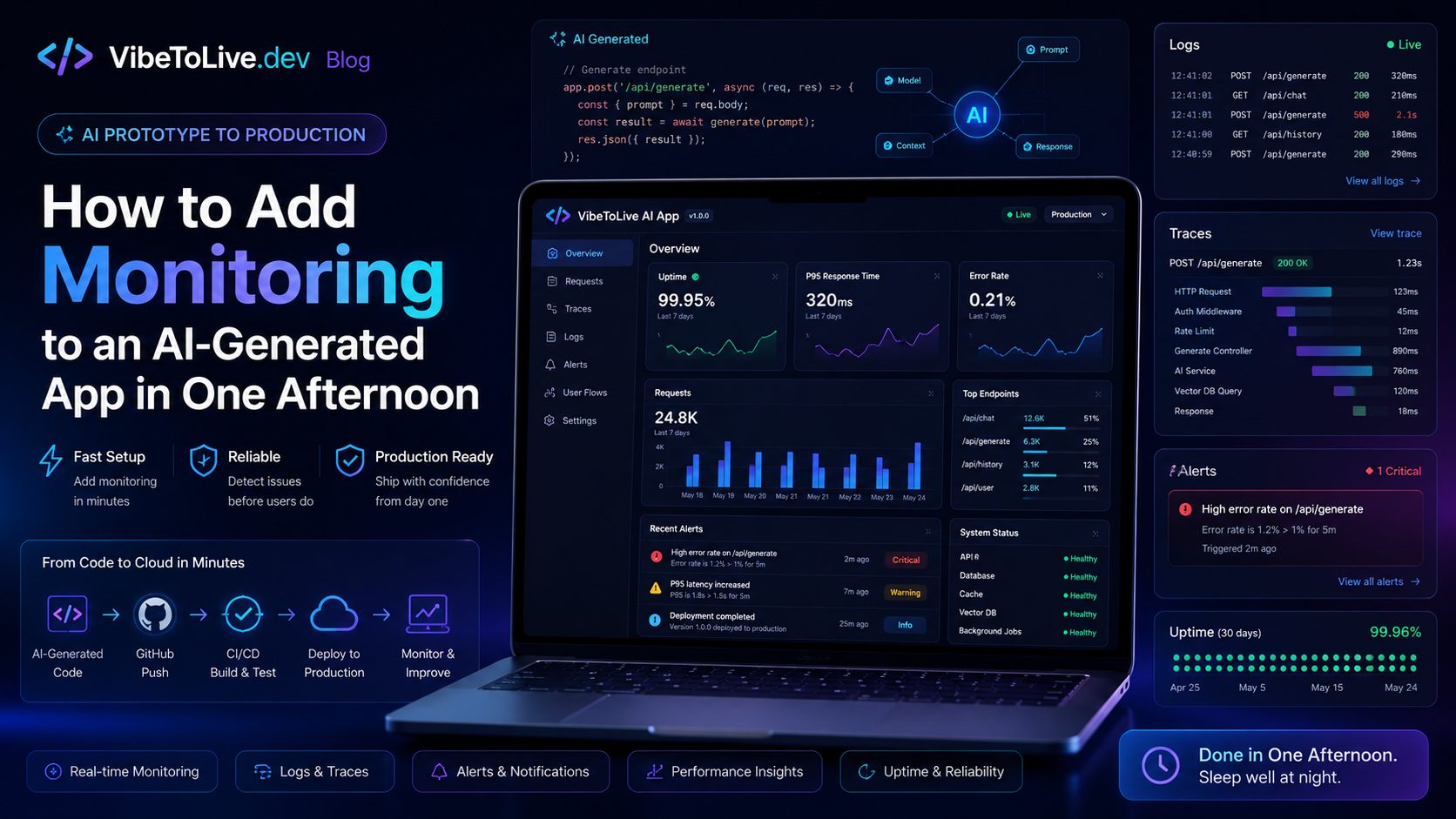
AI-generated apps can move from idea to working product faster than ever.
With tools like Lovable, Bolt, v0, Cursor, Replit, Windsurf, and ChatGPT, founders and teams can build landing pages, dashboards, SaaS tools, AI features, internal apps, and MVPs in a fraction of the usual time.
But speed creates a new problem.
Many AI-built apps reach production before they have proper visibility.
The app may look good.
The main flow may work.
The demo may impress users.
The first launch may feel successful.
But if something breaks, will you know?
That is where monitoring becomes essential.
Monitoring helps you see errors, downtime, slow pages, failed payments, broken API calls, high AI usage, database issues, and user-facing problems before they become business damage.
The good news is that you do not need a full enterprise DevOps setup to get started.
You can add useful monitoring to an AI-generated app in one afternoon.