
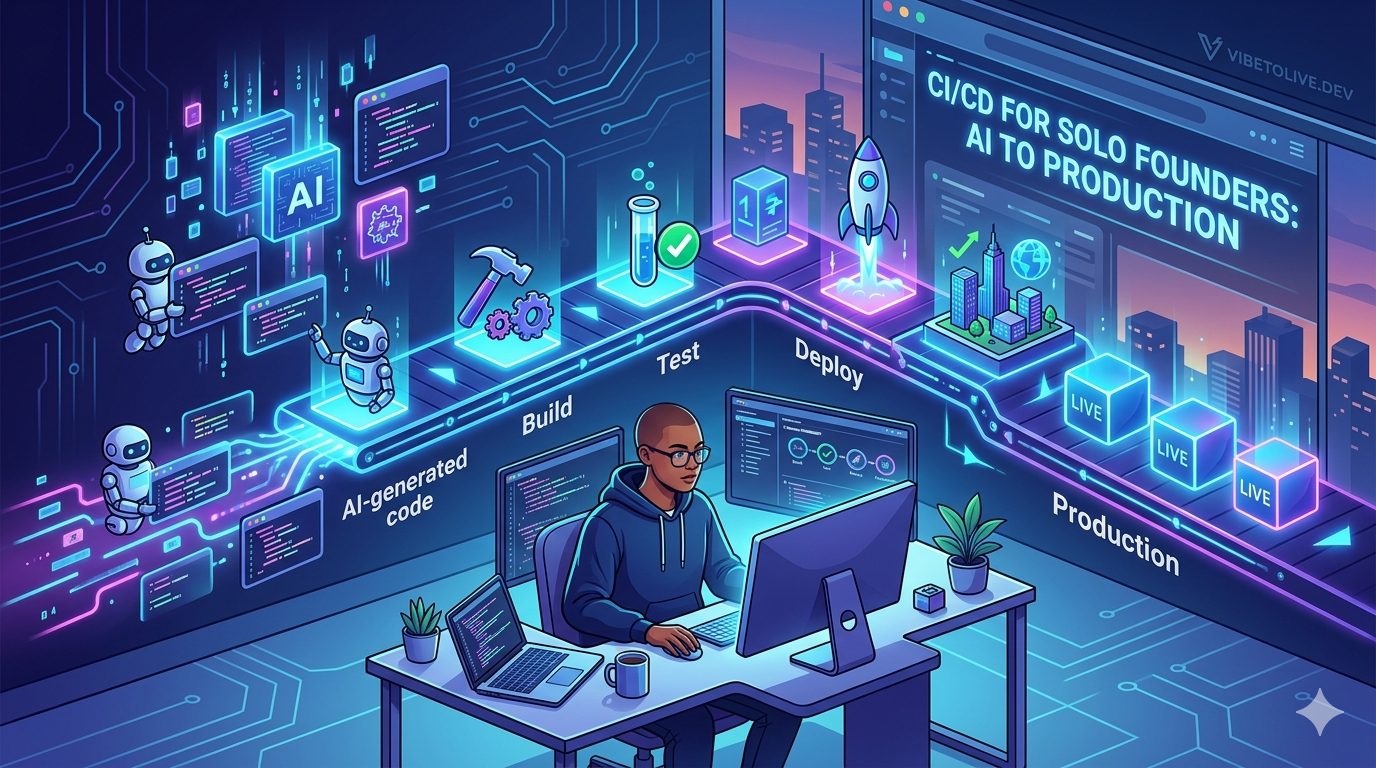
CI/CD for Solo Founders Who Used AI to Build Their App
AI has made it easier for solo founders to build apps without a full engineering team.
With tools like Cursor, Lovable, Bolt, v0, Replit, Windsurf, and ChatGPT, one person can now create landing pages, dashboards, SaaS apps, internal tools, AI products, and MVPs much faster than before.
That speed is powerful.
But once your app has real users, shipping changes becomes risky.
A small update can break login.
A missing environment variable can break payments.
A database change can remove important data.
A frontend fix can create a backend error.
An AI-generated code change can solve one bug and introduce three new ones.
This is where CI/CD becomes important.
CI/CD may sound like something only large engineering teams need, but solo founders need it too. In fact, if you are building with AI, you may need it even more because AI-generated changes can be fast, broad, and sometimes unpredictable.
This guide explains a simple, practical CI/CD setup for solo founders who used AI to build their app.
What CI/CD Means for a Solo Founder
CI/CD stands for Continuous Integration and Continuous Deployment.
But you do not need to overcomplicate it.
For a solo founder, CI/CD simply means:
Your code is checked before it goes live.
Your app is built automatically.
Your tests run before deployment.
Your environment variables are reviewed.
Your production deployment is repeatable.
You have a way to roll back if something breaks.
The goal is not to create a complex DevOps system.
The goal is to stop shipping broken code to real users.
Why AI-Built Apps Need a Deployment Process
When you build with AI, you can move very fast.
That is great during the prototype stage.
But fast changes can become dangerous in production.
AI tools may generate code that works for the current prompt but misses the bigger system context. They may change files you did not expect. They may update frontend logic without updating backend logic. They may introduce new dependencies, remove validation, or create inconsistent patterns.
A CI/CD process gives you a safety layer between “the code changed” and “real users are affected.”
For AI-built apps, that safety layer is essential.
1. Use Git as Your Source of Truth
Before setting up CI/CD, your code should be managed properly in Git.
Do not treat your local folder as the final version of the app.
Every meaningful change should be committed with a clear message.
What to do
Use a GitHub, GitLab, or Bitbucket repository.
Commit changes after each completed feature or fix.
Avoid committing broken experiments to your main branch.
Use clear commit messages.
Review AI-generated changes before committing.
Good commit examples
fix: protect dashboard API routes
feat: add subscription status sync
chore: add production env validation
fix: prevent users from accessing other projects
Production goal
You should always know what changed, when it changed, and how to revert it.
2. Keep a Separate Production Branch
Solo founders often push everything directly to production.
That works in the early prototype stage, but it becomes risky once real users arrive.
A simple branch strategy can prevent many mistakes.
Simple branch setup
Use main for production-ready code.
Use dev or feature branches for active changes.
Merge into main only after checks pass.
You do not need a complicated workflow.
Even a basic rule helps:
Do not push experimental AI-generated changes directly to production.
Production goal
Your production branch should always represent the safest version of your app.
3. Add Automatic Build Checks
The first CI step should be simple:
Can the app build successfully?
Many AI-generated changes look fine in the editor but fail during production build.
This happens when imports are wrong, types are broken, environment variables are missing, or dependencies are not installed correctly.
What to check automatically
Install dependencies.
Run type checking.
Run linting.
Build the app.
For a Next.js app, this may include:
npm install
npm run lint
npm run typecheck
npm run build
Production goal
If the app cannot build, it should not deploy.
4. Add Basic Tests for Critical Flows
You do not need hundreds of tests to start.
As a solo founder, focus on the flows that would hurt the business if they broke.
Critical flows to test
Signup
Login
Dashboard loading
Main product action
Payment checkout
Subscription status update
File upload
AI generation
Admin-only access
Form submission
If you cannot test everything, test the core path users depend on.
For example:
Can a user sign up?
Can they access the dashboard?
Can they complete the main action?
Can they pay?
Can they return later and still see their data?
Production goal
Tests should protect the parts of the app that generate value, revenue, or trust.
5. Validate Environment Variables Before Deployment
Environment variables are one of the most common reasons AI-built apps break in production.
Your app may work locally but fail after deployment because a key is missing or wrong.
Common environment problems
Production still uses test Stripe keys.
Webhook secret is missing.
Database URL is wrong.
Site URL still points to localhost.
AI API key is missing.
Supabase service role key is exposed incorrectly.
Email provider key is not configured.
What to do
Create a required environment variable list.
Separate local, preview, and production values.
Never expose private keys to the frontend.
Add an environment validation file if possible.
Production goal
Your deployment should fail early if required environment variables are missing.
It is better for the build to fail than for users to discover broken production features.
6. Use Preview Deployments Before Production
Preview deployments are very useful for solo founders.
They let you test a change in a real hosted environment before it reaches production.
This is especially useful when AI has generated a large change across multiple files.
What to test in preview
Page loading
Auth redirects
API routes
Forms
Responsive design
Payment test mode
Database reads and writes
AI generation
Error states
Preview deployments help you catch issues that may not appear locally.
Production goal
Every major change should be checked in preview before going live.
7. Protect Database Migrations
Database changes are more dangerous than UI changes.
An AI-generated migration can rename a column, remove a field, change a table, or alter permissions in a way that breaks production data.
Do not apply database changes blindly.
What to check
Does this migration delete data?
Does it rename a column used by the app?
Does it change user permissions?
Does it affect subscriptions, orders, or billing?
Does it require a backfill?
Can it be rolled back?
Safer migration process
Test migration locally or in staging first.
Back up important data before risky changes.
Apply migrations separately from big feature deployments.
Avoid destructive changes unless absolutely necessary.
Production goal
Your database should not be the place where unreviewed AI code causes permanent damage.
8. Add Deployment Gates for High-Risk Changes
Not every change has the same risk.
Changing button text is low risk.
Changing authentication, payment logic, database rules, or file access is high risk.
For high-risk changes, add a manual review step before production deployment.
High-risk areas
Authentication
Authorization
Payments
Database migrations
Admin permissions
File storage
AI usage limits
Email sending
Webhooks
Secrets and environment variables
Production goal
High-risk changes should not go live automatically without review.
Even if you are the only founder, pause and inspect the change before deploying.
9. Add a Simple Rollback Plan
Things can still break even with CI/CD.
That is why rollback matters.
A rollback plan means you know how to return to the last working version quickly.
What to prepare
Know how to redeploy the previous version.
Keep recent successful deployments visible.
Avoid mixing risky database changes with frontend changes.
Document what to do if payments, auth, or dashboard access breaks.
Production goal
When production breaks, you should not be figuring out rollback for the first time.
You should already know the fastest safe path.
10. Monitor After Every Deployment
Deployment is not finished when the build succeeds.
The real test begins after the update goes live.
You need to monitor the app after each release.
What to watch
Server errors
Frontend crashes
Failed API requests
Payment webhook failures
Login issues
Slow pages
AI API failures
Database errors
User complaints
Unexpected traffic spikes
Useful alerts
Payment webhook failed
High API error rate
AI usage spike
Database query errors
Auth failures increased
Production build failed
Production goal
You should know quickly when something breaks, instead of waiting for users to report it.
11. Keep Secrets Out of CI Logs
CI/CD systems often print logs during build and deployment.
Be careful not to expose secrets there.
AI-generated debugging code may accidentally log environment variables, tokens, request headers, or full API responses.
What to avoid
Do not print secret keys.
Do not log full authorization headers.
Do not expose database URLs.
Do not print webhook secrets.
Do not log private API responses with tokens.
Production goal
Your CI/CD pipeline should help protect the app, not become another place where secrets leak.
12. Create a Minimum CI/CD Checklist
You do not need enterprise-level DevOps.
Start with a simple checklist.
Minimum setup
Git repository exists.
Production branch is protected.
Build runs before deployment.
Type checking runs before deployment.
Linting runs before deployment.
Critical tests run before deployment.
Preview deployment is checked.
Environment variables are documented.
Database migrations are reviewed.
Rollback process is known.
Monitoring is active after deploy.
This is enough for many solo founders to avoid the most common production mistakes.
13. Example CI/CD Flow for a Solo Founder
Here is a simple workflow you can follow:
Build a feature with AI.
Review the changed files manually.
Run the app locally.
Commit the change to a feature branch.
Push to GitHub.
CI runs lint, typecheck, tests, and build.
Preview deployment is created.
Test the main user flow in preview.
Merge into main.
Production deploy runs automatically.
Monitor logs and errors after release.
This flow is simple, but it creates a strong safety layer.
14. What Not to Automate Too Early
Automation is useful, but solo founders should not overbuild DevOps too early.
You do not need a complex Kubernetes setup, multi-region deployment, or enterprise release process at the MVP stage.
Avoid overcomplicating
Too many environments
Complex branching rules
Slow pipelines
Unused test suites
Manual deployment documents nobody follows
Expensive monitoring tools before they are needed
Better approach
Start small.
Automate the checks that prevent real production damage.
Improve the pipeline as the app grows.
Quick CI/CD Checklist for AI-Built Apps
Before every production deployment, ask:
Does the app build successfully?
Did type checking pass?
Did linting pass?
Did critical tests pass?
Were AI-generated changes reviewed manually?
Were auth, payment, and database changes inspected carefully?
Are production environment variables correct?
Was the preview deployment tested?
Are database migrations safe?
Is rollback possible?
Will monitoring catch errors after release?
Final Thoughts
AI helps solo founders build faster.
But faster building creates a new responsibility: safer shipping.
CI/CD is not only for big engineering teams. It is a practical safety system for anyone launching software to real users.
For solo founders, the goal is not to create a complicated deployment machine.
The goal is to prevent avoidable mistakes.
A simple CI/CD process can help you catch broken builds, missing environment variables, risky database changes, exposed secrets, failed tests, and deployment mistakes before your users are affected.
AI can help you build the app.
CI/CD helps you keep it alive in production.