logo

VibeToLive.dev

The “First Paying Customer” Production Checklist
Production ReadinessAI DevelopmentSaaS

The “First Paying Customer” Production Checklist

Your first paying customer changes everything. Before someone pays for your AI-built app, make sure the product is secure, stable, usable, monitored, and ready to support real business expectations. Use this production checklist to review auth, payments, data, onboarding, support, monitoring, and launch risk before charging customers.

July 09, 2026
first paying customerproduction checklistAI-built appSaaS launchproduction readinessstartup checklistapp securitypayment readiness

Introduction

Your first paying customer is not just another signup.

It is the moment your app moves from “interesting project” to “real product.”

Before payment, users may forgive bugs. They may treat the app like a demo, experiment, beta, or early prototype.

But once someone pays, expectations change.

They expect the app to work.
They expect their data to be safe.
They expect billing to be correct.
They expect support when something breaks.
They expect the product to deliver the value you promised.

This matters even more if your app was built quickly with AI tools like Lovable, Bolt, v0, Cursor, Replit, Windsurf, ChatGPT, or Claude.

AI can help you build fast, but your first paying customer needs more than fast. They need trust.

This checklist will help you review your app before charging your first customer.
Why the First Paying Customer Changes Everything

A free user tests your idea.

A paying customer tests your business.

That difference is important.

When someone pays, they are not only using your app. They are trusting you with money, time, data, workflow, and expectations.

That means your production standards must improve before the first payment goes through.

You need to think about:

Can the user complete the full paid journey?
Can they sign up, pay, access the product, and get value?
Can they cancel or manage billing?
Can you support them if something goes wrong?
Can you see errors before they report them?
Can you protect their private data?
Can you recover if a deployment breaks the app?

The first paying customer is not the finish line. It is the beginning of real operational responsibility.

The Goal: Do Not Overbuild, But Do Not Be Fragile

Before your first paying customer, you do not need enterprise infrastructure.

You do not need a huge DevOps system, a complex microservice architecture, or a large support team.

But you do need the basics to be solid.

The goal is simple:

Make the product safe enough, stable enough, and clear enough for someone to pay and get value without avoidable problems.

That means focusing on the areas that create the most risk:

Authentication
Authorization
Payments
Customer data
Core product flow
Error handling
Monitoring
Support
Backups
Deployment safety
Billing access
Onboarding

Do not overbuild features nobody asked for.

But do not charge users for a product that can break silently, expose data, lose payments, or block access after checkout.

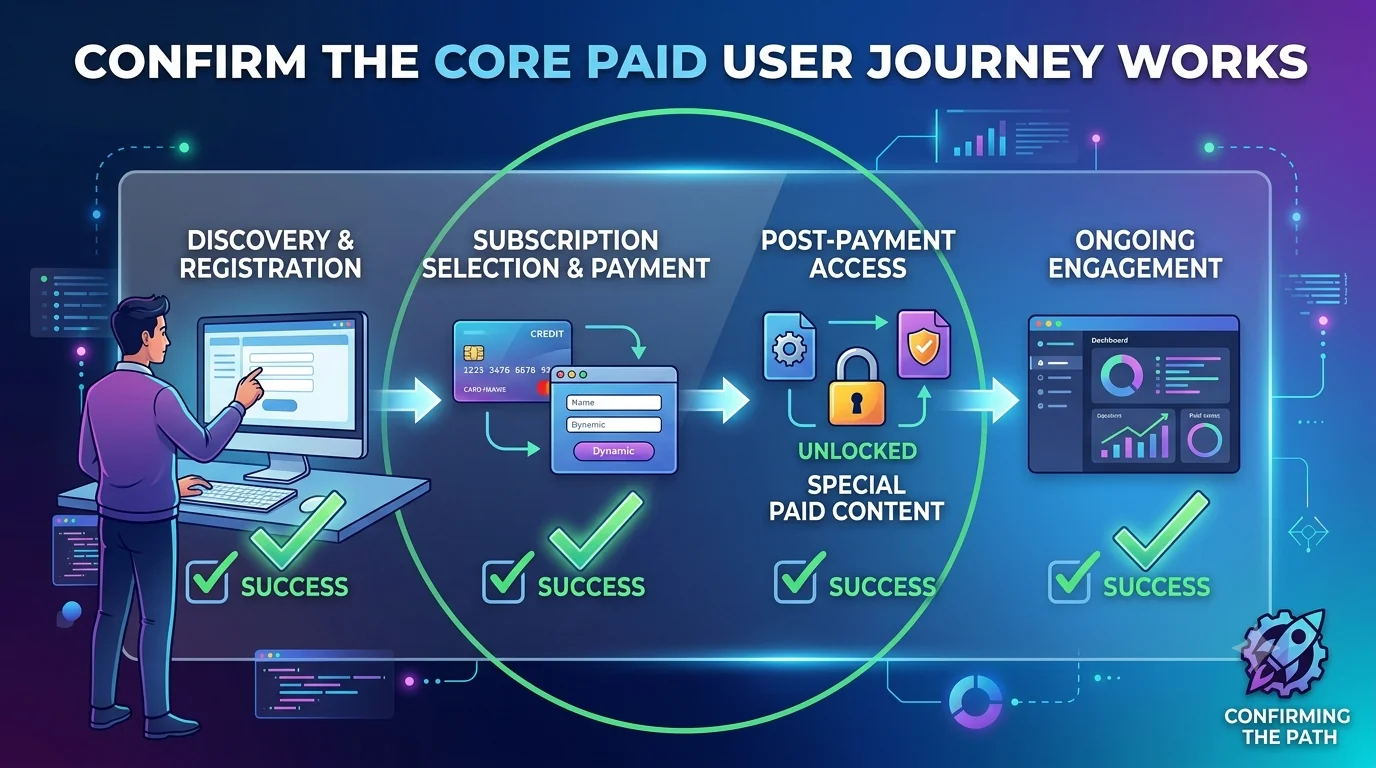
Checklist 1: Confirm the Core Paid User Journey Works

The first thing to test is the full customer journey.

Do not only test individual pages. Test the complete path from visitor to paying customer.

A customer should be able to:

Land on the website.
Understand the product.
Choose a plan.
Create an account.
Complete payment.
Access the paid feature.
Use the main product workflow.
Save or receive the output.
Return later and continue using the app.
Manage account or billing if needed.

This journey should work without you manually fixing anything in the database.

If the customer pays but needs you to manually unlock access, your product is not ready.

Production rule

Your first paying customer should be able to pay, enter the product, and experience the promised value without manual intervention.

Checklist 1: Confirm the Core Paid User Journey Works

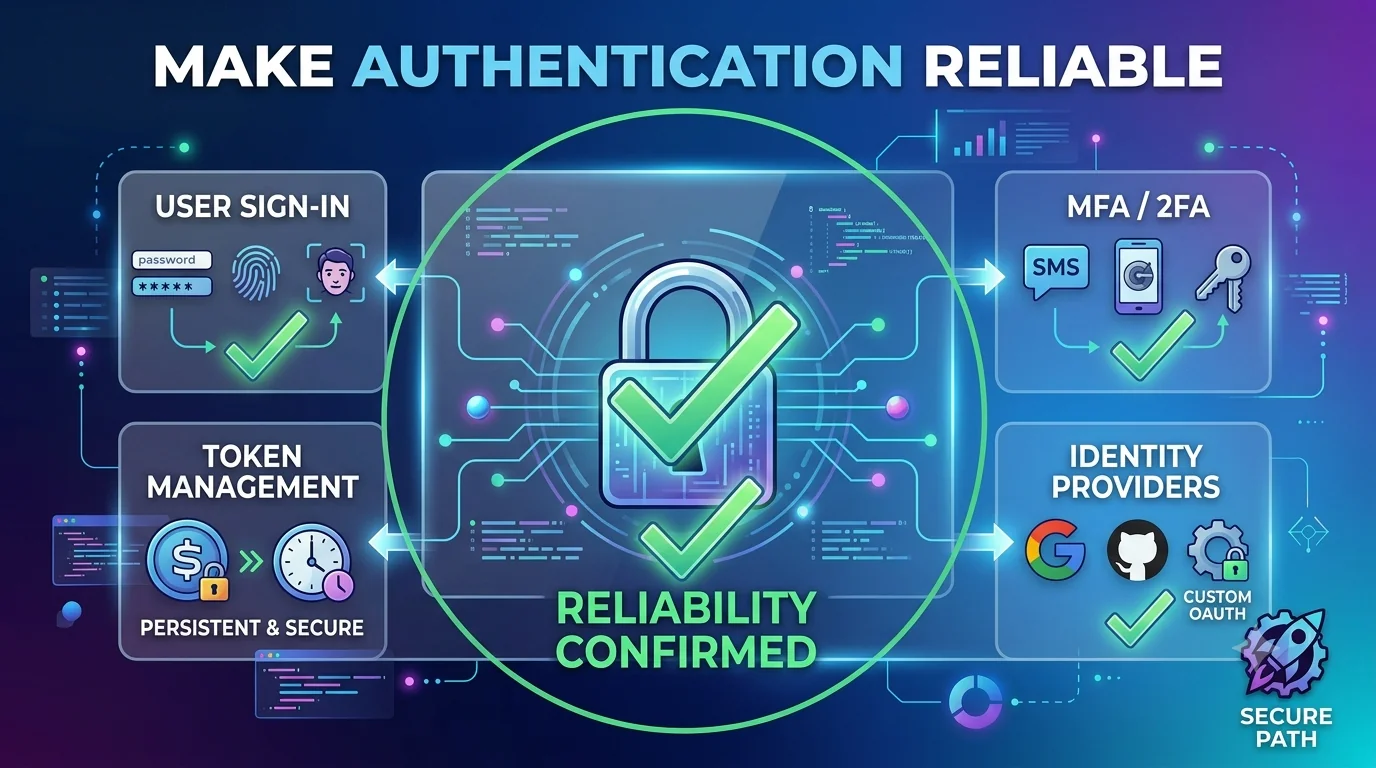
Checklist 2: Make Authentication Reliable

Authentication is one of the first things that must be stable before charging users.

A customer should be able to create an account, log in, log out, and return later without confusion.

Check these flows:

Signup works.
Login works.
Logout works.
Password reset works.
Email verification works if required.
Session persists correctly.
Expired sessions are handled safely.
Logged-out users cannot access private pages.
Logged-in users are not sent back to signup by mistake.

Authentication problems destroy trust quickly.

If a customer pays and cannot log in later, they will not care how impressive the app looked during the demo.

Production rule

Before payment is enabled, auth should be tested like a real customer will use it.

Checklist 2: Make Authentication Reliable

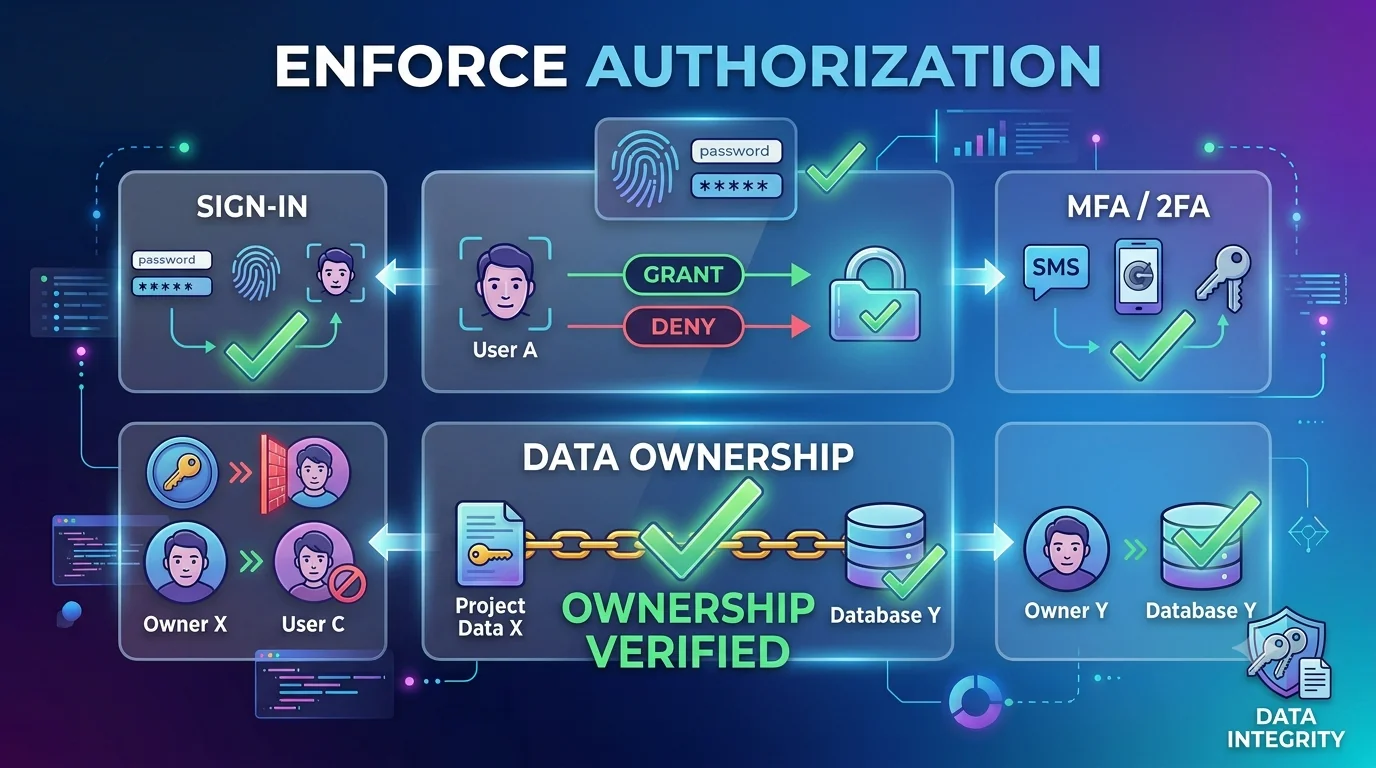
Checklist 3: Enforce Authorization and Data Ownership

Authentication tells you who the user is.

Authorization tells you what they are allowed to access.

This is one of the most important production checks for AI-built apps.

A user should only see their own data, workspace, files, subscriptions, projects, messages, reports, and settings.

Common risks include:

A user can change a URL ID and see another user’s record.
A logged-in user can access admin routes.
A free user can access paid features.
A canceled user keeps premium access.
A user can download files they do not own.
A team member can access another team’s workspace.

Every private database query should be scoped to the current user or organization.

Every sensitive API route should verify permission on the backend.

Production rule

A paying customer’s data must never depend on frontend hiding alone. The backend and database must enforce access rules.

Checklist 3: Enforce Authorization and Data Ownership

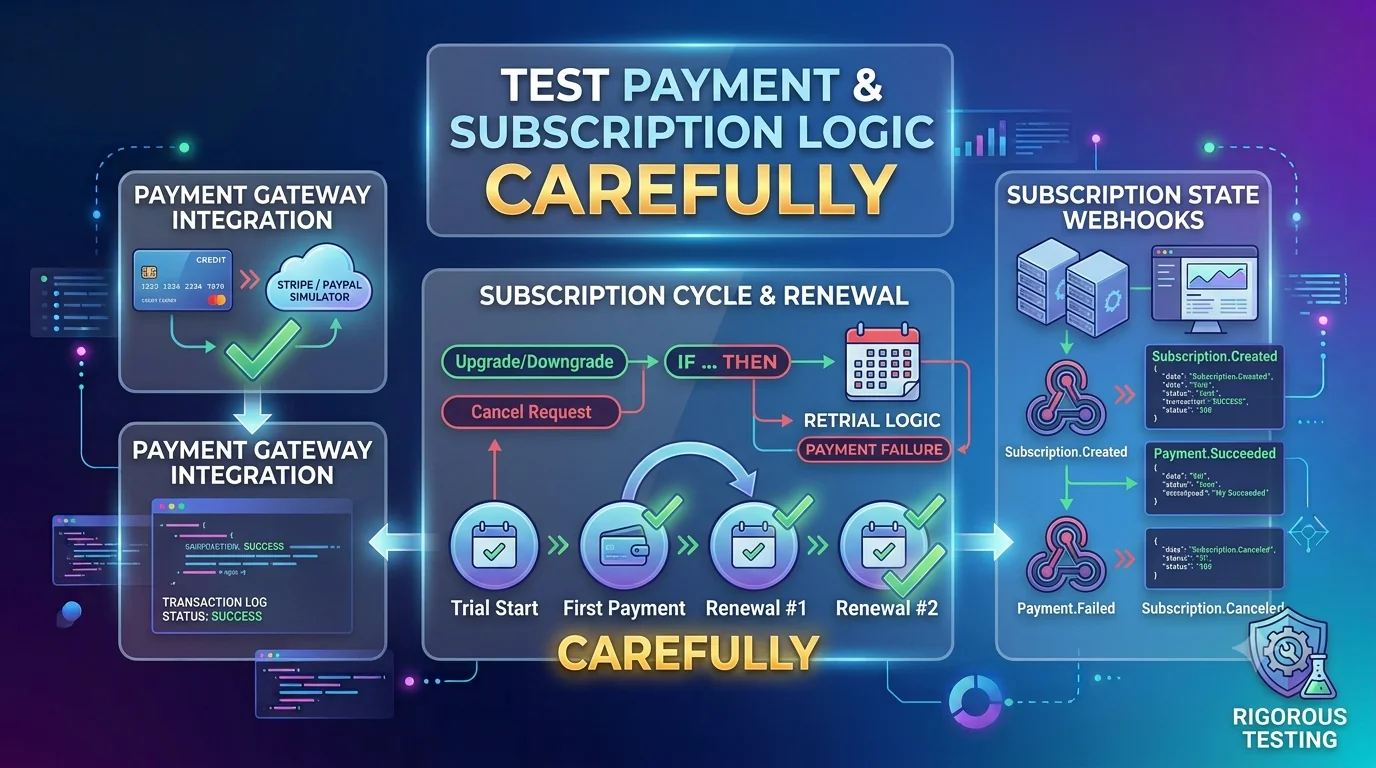
Checklist 4: Test Payment and Subscription Logic Carefully

Payment is where your app becomes a business.

Before accepting your first payment, test the billing flow end to end.

Check:

Checkout opens with the correct plan.
The correct price is shown.
Test mode and live mode are not mixed.
Payment success unlocks access.
Payment failure is handled clearly.
Subscription status updates in your database.
Webhook events are verified.
Canceled subscriptions remove paid access.
Plan changes update feature access.
Invoices and receipts work if needed.
Billing portal works if available.

Do not trust the browser success page as the only proof of payment.

The most reliable approach is to update access based on trusted webhook events from the payment provider.

Production rule

Paid access should be controlled by verified payment status, not by a frontend redirect.

Checklist 4: Test Payment and Subscription Logic Carefully

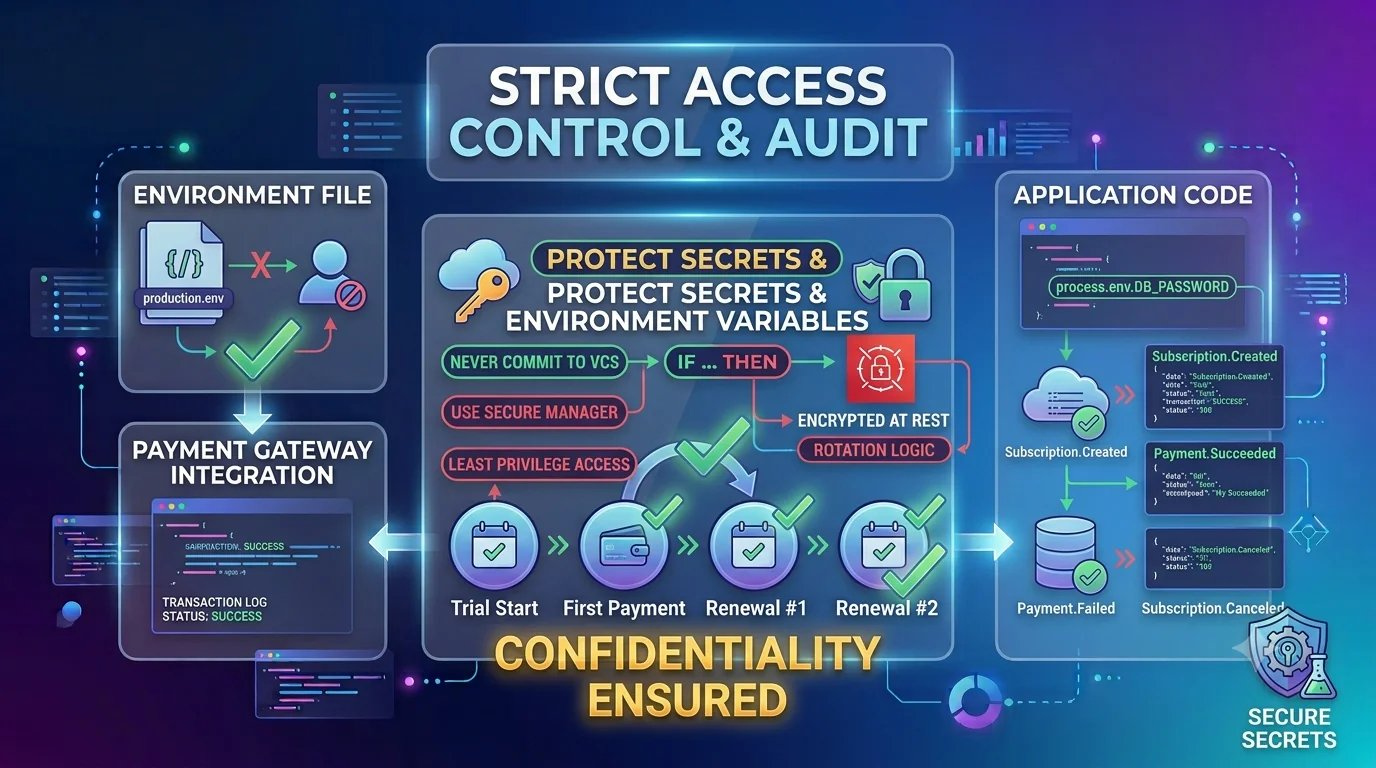
Checklist 5: Protect Secrets and Environment Variables

Before charging users, review every API key and environment variable.

AI-built apps often move fast, and secrets can accidentally end up in the wrong place.

Private secrets should never be exposed in frontend code, GitHub, logs, screenshots, or public environment variables.

Review secrets such as:

Database URL
Payment secret key
Webhook secret
OpenAI or Anthropic API key
Email provider API key
JWT secret
OAuth client secret
Admin token
Storage credentials
Supabase service role key

Separate local, preview, and production values.

Make sure production is not using test keys unless you are intentionally testing.

Regenerate any secret that may have been exposed during development.

Production rule

If a private key reaches the browser or a public repository, treat it as compromised.

Checklist 5: Protect Secrets and Environment Variables

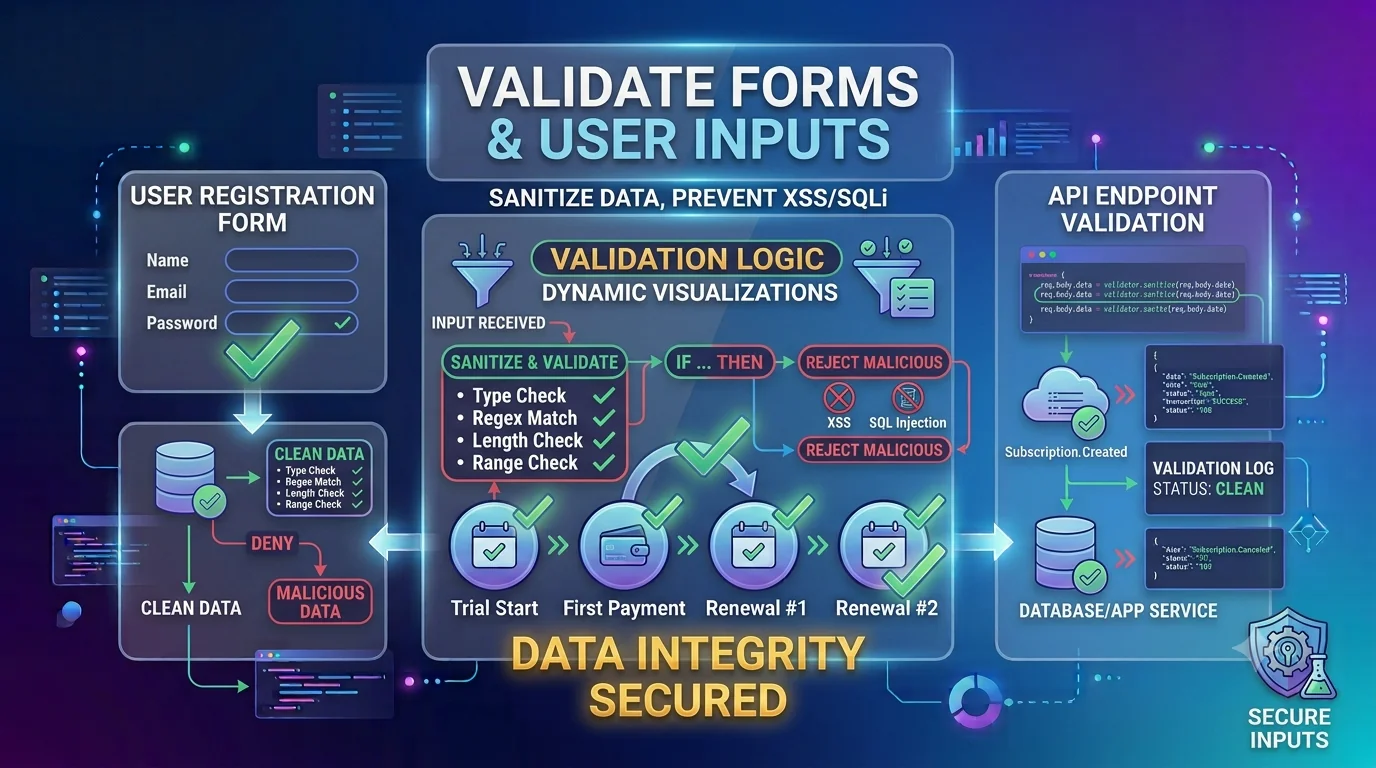
Checklist 6: Validate Forms and User Inputs

Real customers do not always use your app the way you expect.

They submit incomplete forms.
They paste long text.
They upload wrong files.
They use mobile browsers.
They make mistakes.
Bots may submit junk.
Attackers may send unexpected payloads directly to your API.

Before accepting payment, make sure important inputs are validated on the backend.

Check:

Required fields are enforced.
Email format is validated.
Text fields have length limits.
Numbers have safe minimum and maximum values.
Dropdowns only accept allowed values.
File uploads have type and size limits.
Duplicate submissions are handled.
Invalid input returns a helpful message.

Frontend validation improves experience. Backend validation protects the system.

Production rule

Never trust user input just because the UI looks controlled.

Checklist 6: Validate Forms and User Inputs

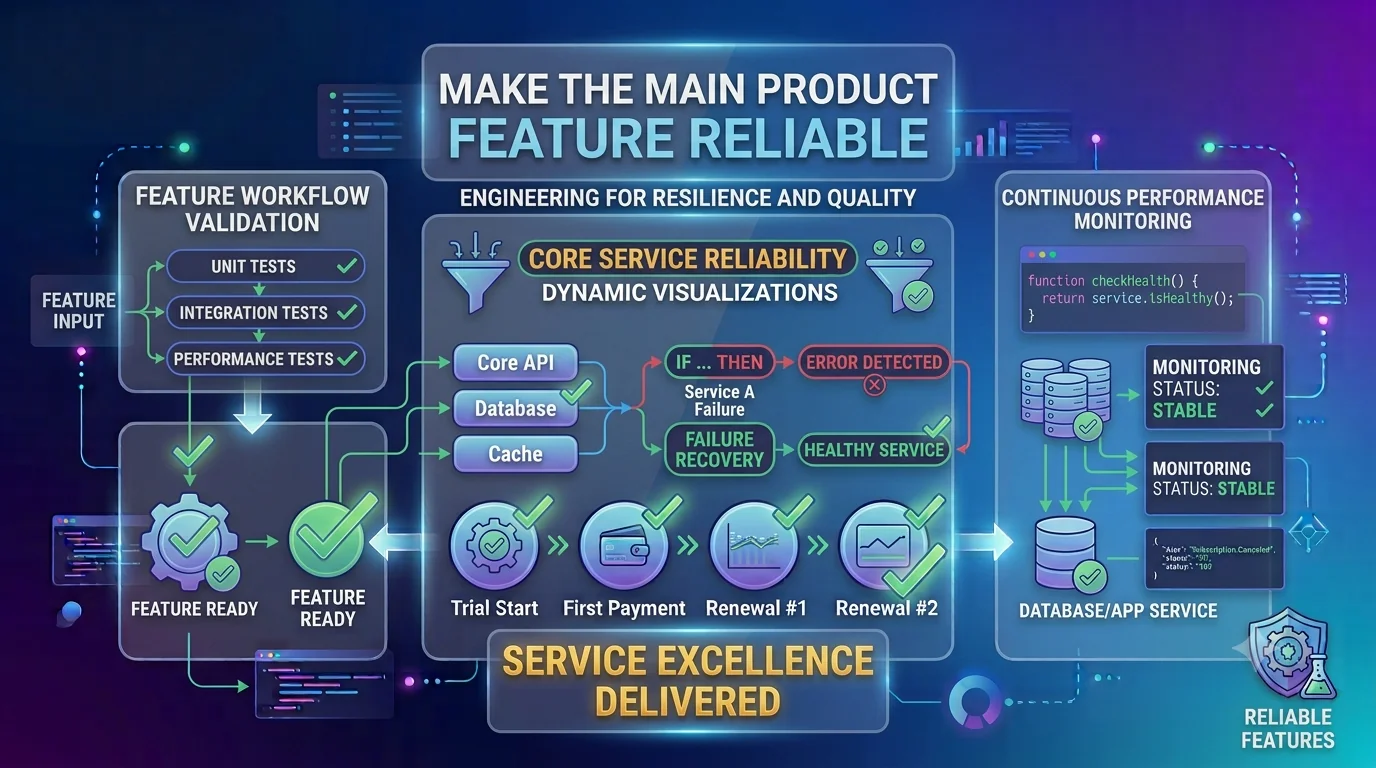
Checklist 7: Make the Main Product Feature Reliable

Your first paying customer is paying for one core promise.

That promise must work.

Before launch, identify the main value action of your app.

Examples:

Generate an AI report.
Create a website.
Analyze a document.
Send a campaign.
Book an appointment.
Manage a dashboard.
Export a file.
Track a workflow.
Invite a teammate.
Process a payment.

Then test that feature deeply.

Check the happy path, empty states, slow loading, invalid inputs, provider failures, retries, and saved results.

If your app depends on AI APIs, make sure provider errors do not break the entire user experience.

If your app generates outputs, make sure users can view, save, copy, export, or return to those outputs later.

Production rule

The feature customers pay for should be the most tested part of the product.

Checklist 7: Make the Main Product Feature Reliable

Checklist 8: Add Monitoring Before You Charge

You should not wait for customers to report problems.

Before the first payment, add basic monitoring so you can see when the app breaks.

At minimum, monitor:

Frontend errors
Backend API errors
Uptime
Payment webhook failures
AI API failures
Database errors
File upload failures
Deployment failures
Slow pages
High AI usage or cost spikes

You do not need a complex monitoring system. But you need enough visibility to answer:

Is the app online?
Are users seeing errors?
Are payments working?
Are paid features unlocking correctly?
Did the last deployment break anything?
Are AI costs increasing unexpectedly?

Production rule

If a paying customer hits an error, you should know about it quickly.

Checklist 9: Prepare Customer Support Before Problems Happen

Your first paying customer may need help.

Before charging users, decide how they can contact you.

Support can be simple at first.

You may only need:

A support email
A contact form
A help page
A billing support note
A clear response expectation
A way to identify the customer account

Also prepare answers for common questions:

How do I access my account?
How do I reset my password?
How do I cancel?
How do I update billing?
What happens if generation fails?
Where is my data stored?
How do I contact support?

Support does not need to be perfect on day one. But it must exist.

Production rule

A paying customer should never feel abandoned when something goes wrong.

Checklist 10: Review Onboarding and Activation

A customer paying is not enough.

They need to reach value quickly.

That means onboarding matters.

Check whether a new paying customer knows what to do after signup.

Good onboarding should answer:

What should I do first?
Where is the main feature?
What information do I need to provide?
How do I know if setup is complete?
What does success look like?
Where can I get help?

Avoid dropping new users into an empty dashboard with no guidance.

Use:

Starter steps
Empty-state instructions
Example data
Tooltips
Short welcome copy
Clear primary CTA
Helpful success messages

Production rule

Your first paying customer should not have to guess how to get value.

Checklist 11: Set Up Backups and Data Recovery

If customers are paying you, their data matters.

Before accepting payment, review how data is stored and backed up.

Check:

Is the production database backed up?
Can you restore data if needed?
Are destructive actions protected?
Can users accidentally delete important records?
Are deleted records recoverable if needed?
Are migrations tested before production?
Is production data separated from test data?

For early-stage apps, you may not need a complex backup system. But you do need a basic recovery plan.

If a database migration breaks records, you should know what to do.

If a customer accidentally loses important data, you should know whether recovery is possible.

Production rule

Paid customer data should not depend on luck.

Checklist 12: Make Deployment Safer

Before you have paying customers, broken deployments are annoying.

After you have paying customers, broken deployments are business problems.

Set up a safer deployment process before payment goes live.

Check:

Code is stored in Git.
Production branch is clear.
Build passes before deployment.
Type errors are checked.
Environment variables are documented.
Database migrations are reviewed.
Preview deployment is tested.
Rollback path is known.
Deployment logs are reviewed.
Core flow is tested after release.

For AI-built apps, this is especially important because AI-generated changes may affect more files than expected.

Production rule

Do not ship unreviewed AI-generated changes directly into a product people are paying for.

Checklist 13: Check Legal, Policy, and Trust Basics

Before accepting payment, make sure your product has basic trust pages and policies.

You may not need enterprise legal documentation immediately, but customers should know what they are paying for and how their data is handled.

Basic items include:

Privacy policy
Terms of service
Refund or cancellation policy
Contact information
Billing support information
Cookie notice if needed
Data usage explanation for AI features
Clear pricing and plan details

If your app uses AI, explain how user inputs may be processed and what customers should avoid submitting if needed.

Trust pages do not only help legal readiness. They also improve buyer confidence.

Production rule

A paying customer should understand what they are buying, how billing works, and how their data is handled.

Checklist 14: Make Pricing and Plan Limits Clear

Confusing pricing creates support problems.

Before your first paying customer, make sure your pricing page clearly explains what each plan includes.

Check:

Plan price is clear.
Billing cycle is clear.
Included limits are clear.
AI credits or usage limits are clear.
Free trial rules are clear.
Cancellation rules are clear.
Upgrade and downgrade behavior is clear.
Refund policy is clear if offered.

If your app has AI features, be especially clear about usage.

For example:

How many generations are included?
What happens when the limit is reached?
Do unused credits roll over?
Can users buy more credits?
Are failed generations counted?

Production rule

Customers should not need to contact support to understand what they paid for.

Quick Answer for Founders

Before your first paying customer, make sure the full paid journey works from signup to checkout to product access.

At minimum, review authentication, authorization, payment webhooks, paid feature access, secrets, input validation, monitoring, support, onboarding, backups, deployment safety, pricing clarity, and legal trust pages.

You do not need enterprise infrastructure before your first customer.

But you do need enough production readiness to protect the customer, deliver the promised value, and fix problems quickly when they happen.

How VibeToLive Can Help

If you built your app with AI and are preparing for your first paying customer, VibeToLive can help you get production-ready before money changes hands.

We help review the parts that matter most before launch:

Authentication
Authorization
Payment flow
Subscription logic
Webhook setup
Paid feature access
Database security
Environment variables
Secrets management
Core product flow
Monitoring
Error tracking
AI usage limits
Deployment safety
Onboarding
Support readiness

The goal is simple:

Make sure your first paying customer gets a product that feels trustworthy, stable, and ready for real use.

VibeToLive helps turn AI-built prototypes into production-ready apps customers can pay for with confidence.

Final Thoughts

Your first paying customer is a major milestone.

It proves someone sees enough value to pay for what you built.

But payment also raises the standard.

Your product now needs to be more than impressive. It needs to be dependable.

The app should protect customer data, handle billing correctly, unlock paid access reliably, explain the next step clearly, and alert you when something breaks.

You do not need to build a perfect company before your first customer.

But you do need to respect the trust that payment creates.

A free prototype can be rough.

A paid product must be ready.