
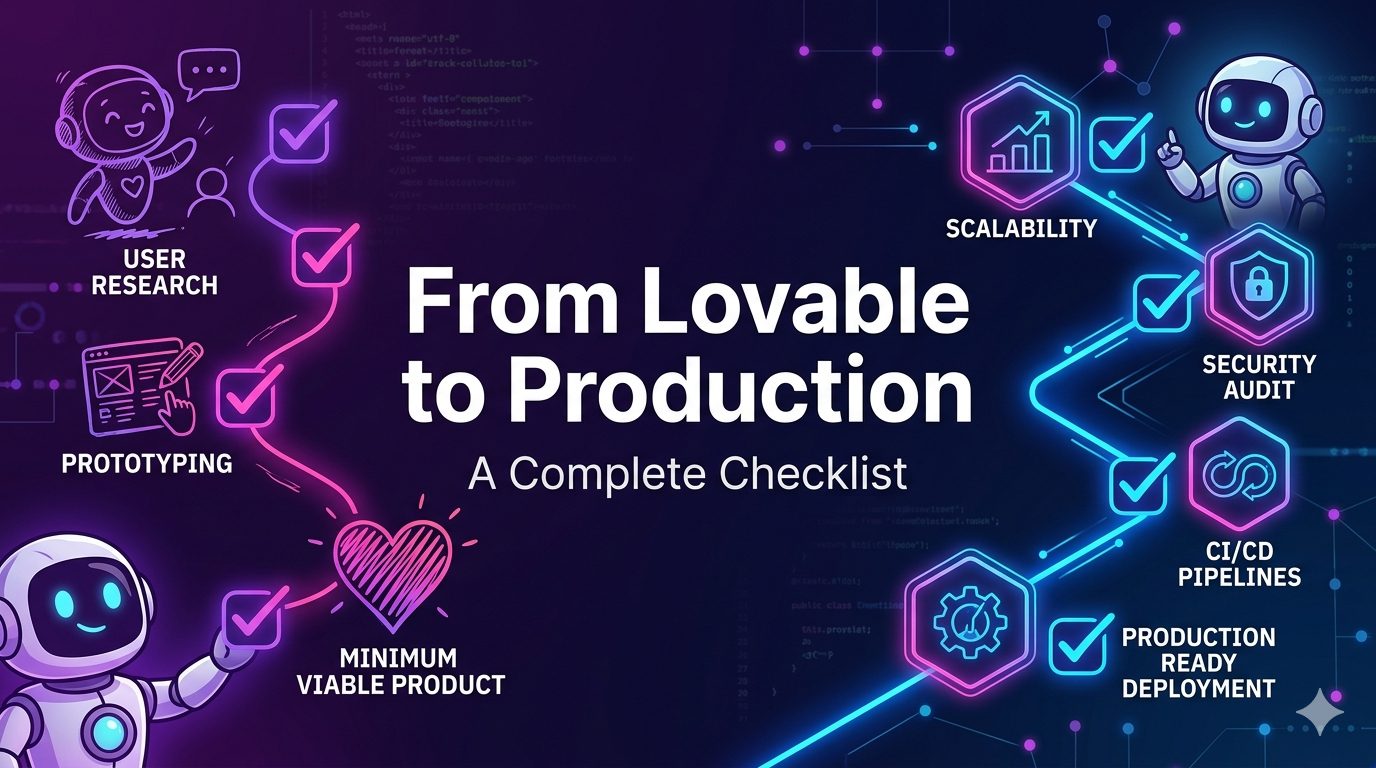
From Lovable to Production: A Complete Checklist
Lovable makes it possible to build a working app much faster than traditional development.
You can describe what you want, generate screens, connect a backend, create user flows, and quickly turn an idea into something that feels real.
That speed is valuable.
But there is a big difference between a Lovable prototype and a production-ready product.
A prototype is built to prove the idea.
A production app is built to handle real users, real data, real payments, real errors, and real business risk.
Many AI-generated apps look complete on the surface but still have hidden problems in the backend, database rules, authentication logic, environment setup, security, and deployment process.
This checklist will help you review a Lovable-built app before launching it to real users.
1. Confirm the App’s Core User Flow
Before checking technical details, confirm the app actually supports the main business journey from start to finish.
A common issue with AI-generated apps is that every screen may exist, but the full flow may not be reliable.
For example, a SaaS app may have a signup page, dashboard, billing page, settings page, and admin panel, but the actual user journey may break between steps.
Check these questions
Can a new user sign up successfully?
Can the user complete the main action your product promises?
Can the user save, edit, delete, or manage their data correctly?
Can the user log out and return later without losing progress?
Can the app handle an empty account with no data yet?
Can the app handle a returning account with lots of data?
Production goal
Your app should not only look finished. It should complete the full user journey without manual fixes or developer help.
2. Review Authentication
Lovable apps often include login and signup quickly, but authentication needs a deeper review before production.
A login screen alone does not mean your app is secure.
You need to confirm that private pages, API routes, database records, and user actions are protected properly.
What to check
Private pages should redirect logged-out users.
API routes should verify the current user on the server.
Users should not be able to access another user’s records.
Password reset and email verification should work correctly.
Session expiration should behave safely.
Admin users and regular users should be separated clearly.
Common production risk
The frontend may hide a page, but the backend may still return private data if someone calls the API directly.
Production goal
Authentication must be enforced on the backend, not only in the UI.
3. Review Authorization and User Permissions
Authentication confirms who the user is. Authorization confirms what the user is allowed to do.
This is one of the most important checks when moving from Lovable to production.
Many AI-generated apps check whether a user is logged in, but they do not always check ownership or permission.
What to check
Every database query should be scoped to the logged-in user.
Team-based apps should check organization membership.
Admin actions should require admin permission.
Billing pages should only show the current customer’s subscription.
File access should verify ownership before showing or downloading files.
Production goal
A user should only access the data and actions they are allowed to use.
4. Audit Database Rules and Row-Level Security
Many Lovable apps use Suparbase or a similar backend. If your app uses Suparbase, Row-Level Security is one of the most important production checks.
Without correct database rules, users may be able to read or modify data they should not access.
What to check
Row-Level Security should be enabled on sensitive tables.
Policies should be written for select, insert, update, and delete.
Users should only read their own records.
Users should only update records they own.
Admin policies should be separated from regular user policies.
Public tables should be intentionally public, not accidentally exposed.
Tables that usually need strict rules
Profiles
Projects
Orders
Bookings
Subscriptions
Invoices
Uploaded files
Messages
User settings
API usage records
Production goal
Your database should protect data even if someone bypasses the frontend.
5. Check Environment Variables and Secrets
AI-generated apps often place keys in the wrong place.
Before production, review every environment variable and confirm which values are safe for the browser and which must stay private.
Public values may include
Public Supabase URL
Public anon key
Public analytics ID
Public site URL
Private values may include
Supabase service role key
Stripe secret key
Webhook signing secret
OpenAI API key
Database URL
Email service API key
Admin token
JWT secret
What to check
Private keys should never be exposed in frontend code.
Do not put secret keys in variables that are intentionally public.
Production and development keys should be different.
Old test keys should be removed before launch.
Secrets should not be committed to GitHub.
Production goal
Only public-safe values should reach the browser. All private secrets must stay on the server.
6. Validate Forms and User Input
Lovable can create forms quickly, but production forms need strong validation.
Do not trust user input just because the UI looks controlled.
Users, bots, and attackers can send unexpected data directly to your backend.
What to check
Required fields should be enforced on the backend.
Email fields should require valid email format.
Numbers should have minimum and maximum limits.
Text fields should have length limits.
Dropdown values should only accept approved options.
Dates and times should be stored consistently.
File upload fields should restrict type and size.
Common production risk
The UI may prevent invalid input, but the API may still accept it.
Production goal
Every important input should be validated before it reaches the database or triggers business logic.
7. Test File Uploads and Storage Access
If your Lovable app allows image, PDF, document, CSV, or media uploads, file handling needs a careful production review.
File uploads can create security, storage, privacy, and cost problems.
What to check
Only allowed file types can be uploaded.
Maximum file size is enforced.
Files are stored in the correct private or public bucket.
Private files require signed URLs or permission checks.
Users cannot access files uploaded by other users.
Old files can be deleted when no longer needed.
Upload errors are handled clearly.
Production goal
Files should not become publicly accessible unless that is intentional.
8. Review Payment and Subscription Logic
If your app uses Stripe or another payment provider, do not launch until the billing flow is tested carefully.
Payment logic is one of the easiest places for an AI-generated app to look finished but behave incorrectly.
What to check
Checkout uses the correct product and price IDs.
Test mode keys are replaced with live keys only when ready.
Webhook events are verified securely.
Subscriptions update correctly after payment.
Canceled subscriptions remove premium access.
Failed payments are handled properly.
Users cannot manually unlock paid features from the frontend.
Common production risk
The app may redirect users after checkout but fail to update the database correctly when a webhook is missed.
Production goal
Billing status should come from trusted payment events, not from the browser.
9. Add Rate Limits and Abuse Protection
A Lovable app may work fine for normal users, but production apps must handle abuse.
This is especially important if the app uses AI generation, email sending, scraping, file uploads, public forms, or paid APIs.
What to check
Limit login attempts.
Limit signup attempts.
Limit password reset requests.
Limit AI generation requests.
Limit contact form submissions.
Limit file uploads.
Limit expensive API endpoints.
Production goal
One user or bot should not be able to overload your app or create unexpected API costs.
10. Improve Error Handling
During development, raw errors are useful.
In production, raw errors can expose sensitive details and confuse users.
What to check
Users should see simple, helpful error messages.
Internal stack traces should not be shown publicly.
Database errors should not be exposed in the UI.
API errors should return consistent response formats.
Failed actions should explain what the user can do next.
Important errors should be logged privately.
Production goal
The user sees a clean message. The developer gets enough private logging to debug the issue.
11. Test Performance Before Launch
AI-generated apps often work with small test data but slow down when real data increases.
Before launching, test your app with realistic data.
What to check
Dashboard pages load quickly.
Database queries are not fetching unnecessary records.
Large lists use pagination.
Search and filters do not freeze the UI.
Images are compressed and optimized.
Expensive API calls are cached where appropriate.
Loading states appear when data is being fetched.
Production goal
Your app should stay usable when users, records, and traffic grow.
12. Check Mobile Responsiveness
Lovable-generated interfaces may look good on desktop but need extra review on mobile.
A production app should be usable across common screen sizes.
What to check
Navigation works on mobile.
Forms are easy to complete on small screens.
Tables do not break the layout.
Buttons are easy to tap.
Modals fit within the screen.
Text does not overflow.
Checkout and signup flows work on mobile.
Production goal
Mobile users should be able to complete the main action without layout problems.
13. Review SEO and Public Pages
If your Lovable app includes marketing pages, landing pages, blog posts, or public directories, SEO should be reviewed before launch.
What to check
Each public page has a unique title.
Each page has a clear meta description.
Headings follow a logical structure.
Important pages are indexable.
Private dashboard pages are not indexed.
Open Graph images are set for social sharing.
Page URLs are clean and readable.
Internal links connect important pages.
Production goal
Public pages should be understandable to users, search engines, and AI answer engines.
14. Add Analytics and Event Tracking
Without analytics, you will not know what users are doing after launch.
Before production, add tracking for the actions that matter most.
What to track
Signup completed
Login completed
Main feature used
Checkout started
Payment completed
Subscription canceled
Form submitted
File uploaded
AI generation completed
Error occurred
Production goal
You should be able to understand where users succeed, where they drop off, and where the app breaks.
15. Prepare a Deployment Process
A production app needs a reliable deployment process.
Do not deploy random changes directly without a way to test, review, and roll back.
What to check
Production environment variables are configured.
The build command works without errors.
Database migrations are applied safely.
Deployment logs are reviewed.
A rollback plan exists.
Preview deployments are tested before production.
Custom domain and SSL are configured.
Production goal
You should be able to ship updates without breaking the live app.
16. Test Real Production Scenarios
Before launching, test the app like a real user.
Do not only test the happy path.
Test scenarios
New users sign up.
Existing users log in.
The user forgets the password.
The user creates a record.
The user edits a record.
User deletes a record.
The user uploads a file.
The user makes a payment.
The user cancels a subscription.
Admin updates user data.
The app handles empty states.
The app handles invalid input.
The app handles slow networks.
Production goal
Your app should handle normal use, mistakes, and edge cases.
17. Create a Launch Checklist
Before you launch, make sure the basic production items are complete.
Final checklist
Authentication works correctly.
Authorization is enforced on the backend.
Database rules are secure.
Secrets are not exposed.
Forms are validated.
File uploads are controlled.
Payments are tested.
Rate limits are added.
Errors are handled safely.
Performance is acceptable.
Mobile layout works.
SEO settings are complete.
Analytics are installed.
Production deployment is stable.
Rollback plan is ready.
Final Thoughts
Lovable is excellent for moving fast.
It can help you create a working product, test an idea, and get something in front of users quickly.
But production requires a different mindset.
A production app must be secure, stable, scalable, and maintainable. It must protect user data, handle payments safely, manage errors clearly, and keep working when real users depend on it.
The goal is not to stop using AI tools.
The goal is to use them wisely.
Lovable can help you build the first version fast. A production checklist helps you turn that first version into a real product.