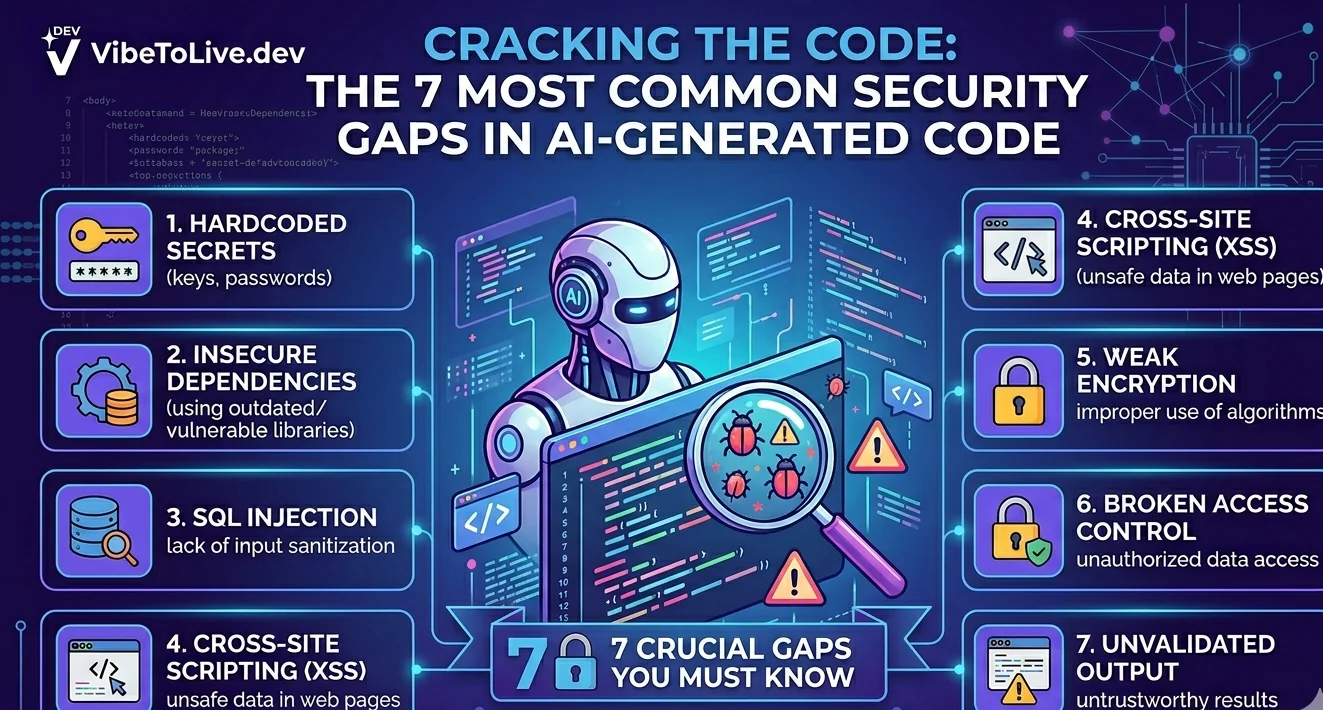
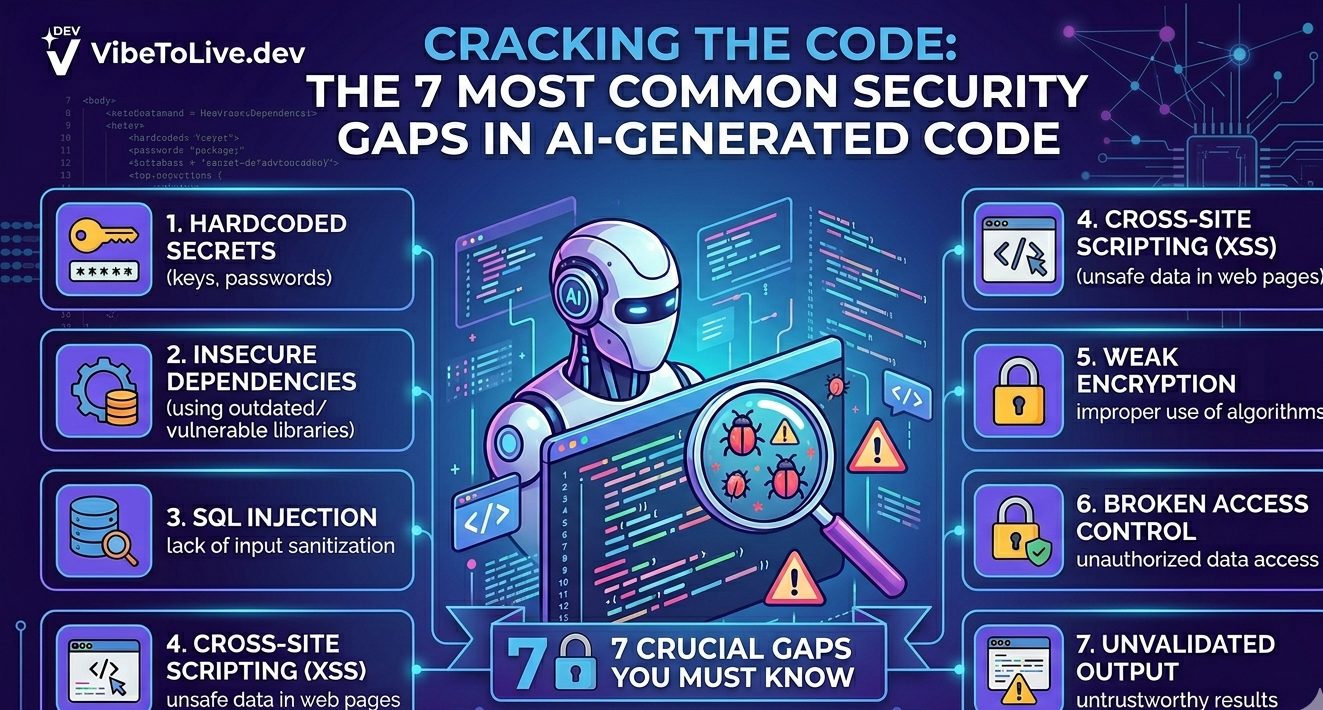
The 7 Most Common Security Gaps in AI-Generated Code
AI-generated code has changed how fast products can be built.
With tools like ChatGPT, Claude, Cursor, Lovable, Bolt, Replit, V0, and Windsurf, founders and developers can now create apps, landing pages, dashboards, SaaS products, and internal tools much faster than before.
But speed creates a new problem.
Many AI-generated apps look finished on the surface, but underneath, they may have serious security gaps.
The app may work in a demo.
The UI may look clean.
The feature may feel complete.
But once real users, real payments, real data, and real traffic are involved, small security mistakes can become expensive problems.
This guide breaks down the 7 most common security gaps in AI-generated code and what you should check before moving from prototype to production.
1. Missing Authentication Checks
One of the most common problems in AI-generated code is incomplete authentication.
The app may have a login page, but that does not always mean the backend is protected.
AI tools often generate frontend-level protection like:
“You must be logged in to view this page.”
But real security must also happen on the server side.
A risky app may allow someone to directly call an API endpoint without being logged in. For example, a dashboard page may be hidden from logged-out users, but the API route that returns dashboard data may still be public.
That means someone could skip the UI completely and access private data through the backend.
What to check
Every private API route should verify the user session or token before returning data.
Admin routes should require admin access, not just any logged-in user.
Sensitive actions like deleting data, changing billing, updating roles, or exporting information should always be protected on the backend.
Better production approach
Do not trust the front end alone.
The frontend can improve user experience, but the backend must enforce the real rules.
2. Weak Authorization Logic
Authentication answers:
“Who is this user?”
Authorization answers:
“What is this user allowed to do?”
AI-generated apps often mix these two together.
For example, an app may check that a user is logged in, but it may not check whether that user owns the resource they are trying to access.
This creates a major security issue.
Imagine a user has this URL:
/dashboard/projects/123
If the backend only checks that the user is logged in, another user may be able to change the ID to:
/dashboard/projects/124
And access someone else’s project.
This is one of the most dangerous security gaps in SaaS apps, dashboards, marketplaces, admin panels, and client portals.
What to check
Every database query should be scoped to the current user or organization.
A user should only access records they own or have permission to view.
Admin-only actions should not depend on values sent from the browser, such as role: admin.
Better production approach
Authorization should be enforced in the backend using trusted server-side data.
Never trust role, user ID, organization ID, or permission values coming from the request body.
3. Secrets Exposed in the Frontend
AI-generated code often places API keys, tokens, service credentials, or database URLs in the wrong place.
This usually happens when environment variables are misunderstood.
In frontend frameworks, some environment variables are exposed to the browser by design. For example, variables with names like NEXT_PUBLIC_ are visible to users.
That is fine for public values, but dangerous for private secrets.
If a secret API key is exposed in frontend code, anyone can inspect the browser bundle and steal it.
Common exposed secrets include
Stripe secret keys
OpenAI API keys
Supabase service role keys
Database connection strings
Webhook signing secrets
Admin tokens
Private API credentials
What to check
Search the codebase for keys, tokens, and secret-looking values.
Check frontend files carefully.
Review environment variable naming.
Make sure server-only secrets are used only in backend routes, server actions, or secure server-side functions.
Better production approach
Public keys can live in the browser only when they are designed to be public.
Private keys should never be bundled into frontend code.
4. No Input Validation
AI-generated apps often trust user input too much.
A form may collect data and send it directly to the database or API without proper validation.
This creates several risks.
Users may submit invalid data.
Bots may submit unexpected payloads.
Attackers may try to inject malicious content.
Large inputs may break the app or increase costs.
For example, a contact form, AI prompt box, file upload field, checkout form, or admin setting field should not accept anything without validation.
What to check
Every API route that receives user input should validate the data before using it.
Important fields should have clear rules:
Email must be a valid email.
Price must be a valid number.
Role must be one of the allowed values.
Text should have a maximum length.
File uploads should have size and type limits.
Better production approach
Use schema validation before business logic runs.
Frontend validation is helpful, but backend validation is required.
5. Unsafe File Uploads
File uploads are one of the easiest places for AI-generated code to become insecure.
A prototype may allow users to upload images, PDFs, CSVs, or documents without checking file type, file size, access permissions, or storage rules.
That can create serious production risks.
Users may upload unsupported files.
Large files may overload storage or processing.
Private files may become publicly accessible.
Malicious files may be stored without scanning or restrictions.
For apps that handle documents, invoices, reports, images, resumes, legal files, or customer data, file upload security is especially important.
What to check
File uploads should have:
Allowed file types
Maximum file size
Private storage by default
Signed URLs for private access
User ownership checks
Clear delete rules
Virus or malware scanning when needed
Better production approach
Never treat file upload as a simple UI feature.
In production, file uploads need storage rules, access control, validation, and monitoring.
6. Missing Rate Limits and Abuse Protection
AI-generated apps often work well for normal users but fail when someone abuses them.
This is especially risky for apps using AI APIs, payment systems, authentication endpoints, email sending, scraping, or public forms.
Without rate limits, someone could repeatedly hit your endpoints and cause:
High API bills
Spam submissions
Brute-force login attempts
Database overload
Slow performance for real users
Service downtime
This matters even more if your app uses paid APIs like OpenAI, Anthropic, Stripe, Resend, SendGrid, or third-party data providers.
What to check
Rate limits should exist for:
Login attempts
Signup attempts
Password reset requests
AI generation endpoints
Contact forms
Webhook endpoints
File uploads
Public API routes
Better production approach
Add rate limits before launch, not after abuse happens.
Also add logging so you can see when unusual activity starts.
7. Poor Error Handling and Data Leakage
AI-generated code often returns raw errors during development.
That may be useful while building, but it is dangerous in production.
Raw errors can expose sensitive information like:
Database table names
Internal API routes
Stack traces
Environment details
User IDs
Secret configuration names
Third-party service errors
A normal user should never see internal system details.
For example, this type of production error is risky:
DatabaseError: relation "billing_subscriptions" does not exist at query...
It gives away internal database structure.
What to check
Production errors should be user-friendly.
Internal errors should be logged privately.
API responses should not expose stack traces, SQL errors, secret names, or internal infrastructure details.
Better production approach
Show a simple message to users.
Log the technical details privately for debugging.
Why AI-Generated Code Needs a Production Review
AI coding tools are powerful, but they usually optimize for speed and completion.
They are good at generating a working version.
But a working version is not always a secure version.
Security requires context.
Who should access this data?
Which routes are private?
Which actions are admin-only?
Which keys must stay server-side?
What happens if users abuse this endpoint?
What happens if the app gets real traffic?
These are production questions.
AI tools may not fully understand your business logic, user roles, pricing model, data sensitivity, or compliance needs unless you explicitly define them.
That is why every AI-generated app should go through a production readiness review before launch.
Quick Security Checklist for AI-Generated Apps
Before launching an AI-generated app, check these areas:
Authentication is enforced on the backend.
Users can only access their own data.
Admin actions require real admin permission.
Private API keys are not exposed to the frontend.
All user input is validated.
File uploads have strict limits and access rules.
Important endpoints have rate limits.
Errors do not leak internal system details.
Logs exist for sensitive actions.
Production environment variables are separated from local development.
If your app handles payments, customer data, private files, admin panels, API keys, or AI usage credits, this review becomes even more important.
Final Thoughts
AI-generated code can help you move faster than ever.
But production apps need more than speed.
They need security, reliability, validation, monitoring, and clear access control.
The biggest risk is not that AI-generated code is bad. The biggest risk is assuming that working code is automatically production-ready.
A prototype proves the idea.
A production-ready app protects the business.
Before you launch, review the hidden security gaps. It can save you from data leaks, billing abuse, broken permissions, and painful rebuilds later.