
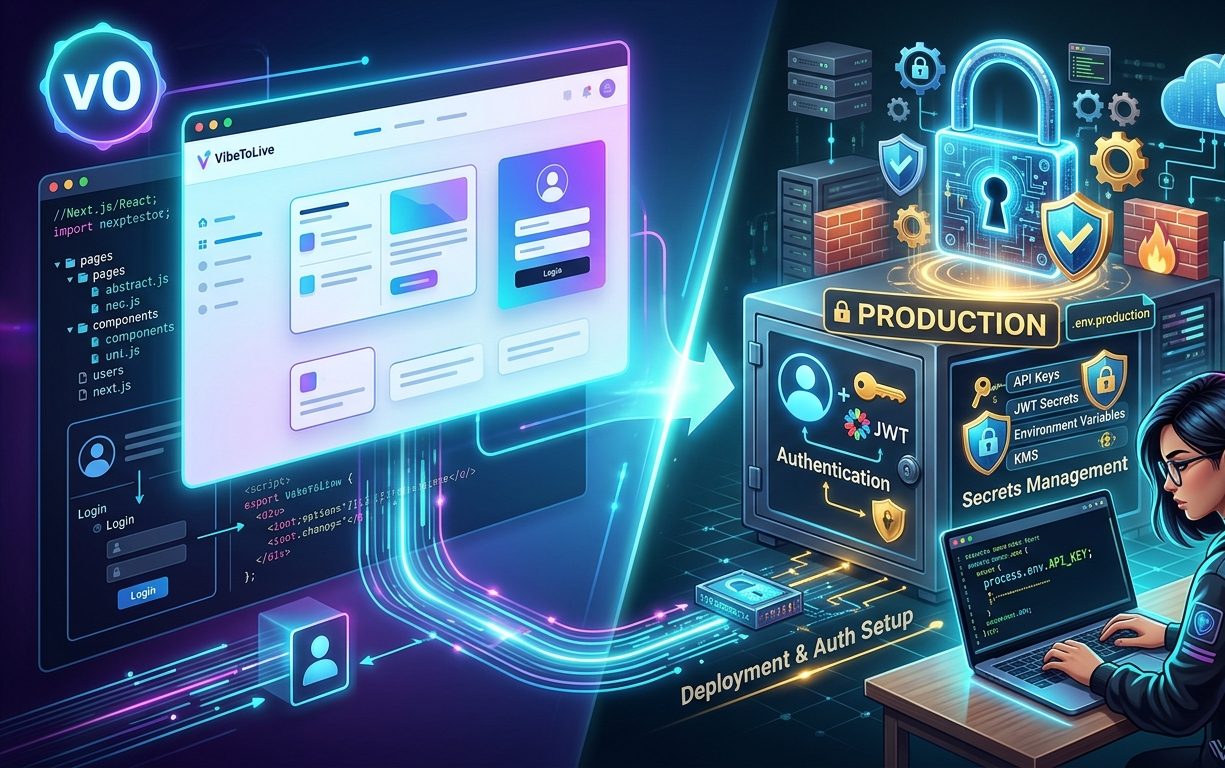
v0 to Production: Handling Auth and Secrets the Right Way
v0 is one of the fastest ways to create polished frontend interfaces.
You can generate landing pages, dashboards, forms, pricing sections, admin panels, onboarding flows, and SaaS interfaces in minutes.
That is a big advantage.
But there is one important thing to remember:
A good-looking interface is not the same as a secure production app.
v0 is excellent for UI generation, but when you move from prototype to production, you need to review how authentication, authorization, API routes, environment variables, and secrets are handled.
The app may look complete.
The login page may exist.
The dashboard may be designed beautifully.
The settings page may feel ready.
But if the backend is not protected properly, real users and real data can create serious security risks.
This guide explains how to handle auth and secrets the right way when moving a v0-generated project into production.
1. Do Not Treat UI Protection as Real Security
Many AI-generated apps start with frontend-based route protection.
For example, the app may check if a user is logged in and then hide or show certain pages.
That is useful for user experience, but it is not enough for production security.
A user can bypass the frontend.
A bot can call your API directly.
Someone can inspect network requests.
A hidden button does not mean the action is protected.
If the backend accepts the request, the action can still happen.
What can go wrong
A dashboard page is hidden, but the API still returns private data.
An admin button is hidden, but the admin API route is public.
A user cannot see the delete button, but they can still call the delete endpoint.
A premium feature is hidden in the UI, but the backend does not check the subscription.
Production rule
Frontend checks improve the experience. Backend checks enforce the security.
Before launching, make sure every private action is verified on the server.
2. Protect Every Private API Route
A production app should never assume that only your frontend will call your API.
Every private API route should verify the current user before returning data or performing actions.
This is especially important for apps with dashboards, user profiles, billing, uploaded files, admin panels, AI generation, or private documents.
API routes that usually need protection
User profile update
Dashboard data
Project creation
Project update
Delete actions
File upload
File download
Billing portal
AI generation
Admin actions
Export data
Settings update
What to check
Each private route should answer these questions:
Who is making this request?
Is the user logged in?
Is the user allowed to access this resource?
Is this action allowed for their role or plan?
Should this action be logged?
Production rule
No private API route should return sensitive data without checking the authenticated user on the server.
3. Separate Authentication From Authorization
Authentication and authorization are not the same thing.
Authentication means:
“This user is logged in.”
Authorization means:
“This user is allowed to do this specific action.”
Many AI-generated apps check authentication but miss authorization.
That creates one of the most common production security issues.
Example
A user is logged in and opens this page:
/dashboard/projects/123
Then they change the URL to:
/dashboard/projects/124
If your backend only checks that the user is logged in, the user may access someone else’s project.
The correct backend logic should check that project 124 belongs to the current user or the current organization.
What to check
Users should only access their own data.
Team members should only access approved workspaces.
Admins should be verified using trusted server-side roles.
Plan limits should be checked on the backend.
Subscription status should not be trusted from the browser.
Production rule
A logged-in user is not automatically allowed to access every record.
4. Keep Secrets Out of the Frontend
This is one of the most important checks when moving a v0 project into production.
Frontend code is visible to users.
Even if the code is minified or bundled, anything sent to the browser should be treated as public.
That means private API keys must never be used in client components, browser-side functions, or public environment variables.
Secrets that must stay server-side
Database connection strings
Supabase service role key
Stripe secret key
Stripe webhook secret
OpenAI API key
Anthropic API key
Resend or SendGrid API key
JWT secret
Admin tokens
OAuth client secret
Private storage credentials
Common mistake
Using private keys inside variables that are exposed to the browser.
For example, in Next.js, environment variables starting with NEXT_PUBLIC_ are intended to be available in the browser.
That means this is risky:
NEXT_PUBLIC_OPENAI_API_KEY
NEXT_PUBLIC_STRIPE_SECRET_KEY
NEXT_PUBLIC_SUPABASE_SERVICE_ROLE_KEY
These values should never be public.
Production rule
Only public-safe values should be exposed to the browser. All private secrets must stay in server-side code.
5. Use Public Keys Only for Public-Safe Services
Some keys are designed to be public.
For example, many apps use public keys for analytics, maps, payment checkout initialization, or frontend SDK setup.
But public does not mean unlimited trust.
A public key should only allow limited actions.
Public-safe values may include
Public site URL
Analytics measurement ID
Supabase anon key
Stripe publishable key
Public map key with domain restrictions
Frontend feature flag values
What to check
The public key should not allow admin access.
The public key should have limited permissions.
The key should be restricted by domain when possible.
The backend should still verify sensitive actions.
Production rule
Public keys are allowed only when the service expects them to be public and their permissions are limited.
6. Do Not Trust User IDs From the Browser
A common AI-generated pattern is to send a userId from the frontend to the backend.
That may seem normal, but it can be risky.
A malicious user can change the request body and send another user’s ID.
Risky example
The frontend sends:
{ "userId": "user_123", "projectId": "project_456" }
If the backend trusts userId, an attacker may change it to:
{ "userId": "user_999", "projectId": "project_456" }
Then the backend may perform the action as the wrong user.
Better approach
The backend should get the current user from the authenticated session or token.
The frontend can send the project ID or form data, but the backend should decide which user is making the request.
Production rule
Never trust identity, role, permission, plan, or organization values sent from the browser.
7. Secure Admin Routes Properly
v0 is often used to generate admin dashboards quickly.
Admin pages may include user management, orders, payments, analytics, reports, content publishing, system settings, or support tools.
These routes need stronger protection than regular dashboard pages.
What can go wrong
Any logged-in user can access admin data.
Admin role is checked only in the frontend.
Admin API routes do not verify role.
Admin actions are not logged.
Role values are trusted from the request body.
What to check
Admin role should come from trusted backend data.
Admin API routes should verify role on every request.
Admin pages should not be indexed by search engines.
Sensitive admin actions should be logged.
High-risk admin actions may need confirmation or audit trails.
Production rule
Admin access should never depend only on hiding navigation items.
8. Protect AI and Paid API Endpoints
If your v0-generated app connects to AI APIs, email APIs, scraping APIs, image generation APIs, or other paid services, those endpoints need protection.
Without protection, a user or bot could abuse the endpoint and create high costs.
Endpoints that need extra control
AI chat
Text generation
Image generation
Document analysis
Email sending
SMS sending
Webhook processing
Data scraping
PDF generation
Export features
What to check
The user must be authenticated where needed.
Rate limits should be added.
Usage should be tracked by user or workspace.
Plan limits should be enforced on the backend.
Request size should be limited.
Failed requests should be logged.
Production rule
Every expensive endpoint needs authentication, validation, rate limits, and usage tracking.
9. Validate Environment Variables Before Deployment
A production app can break if environment variables are missing, misspelled, or mixed between test and live systems.
This happens often when moving from prototype to production.
Common problems
Production uses test Stripe keys.
Preview uses production database credentials.
A required API key is missing.
Webhook secret is not configured.
Site URL is still set to localhost.
OAuth callback URL is wrong.
Admin secret is weak or reused.
What to check
Create a clear list of required environment variables.
Separate local, preview, and production values.
Use live payment keys only when ready.
Use different secrets for different environments.
Make sure localhost URLs are replaced in production.
Regenerate any secret that was exposed during development.
Production rule
Environment setup should be documented and reviewed before launch.
10. Handle Sessions Safely
Session handling is another area where AI-generated apps may need production review.
The app may log users in, but sessions must behave correctly across refreshes, tabs, expired tokens, protected pages, and server-side requests.
What to check
Logged-out users cannot access private pages.
Expired sessions redirect safely.
Server-side session checks work correctly.
Logout clears the session properly.
Password reset works.
Email verification works if required.
Session state does not expose private data while loading.
Production rule
Session logic should be reliable across both frontend and backend, not only during the first login.
11. Avoid Leaking Secrets in Logs and Errors
Secrets should not only be protected in code. They should also be protected in logs, errors, and debugging output.
During development, AI-generated code may include console logs that print full API responses, request headers, tokens, or environment values.
That is dangerous in production.
What to check
Do not log full request headers.
Do not log authorization tokens.
Do not log API keys.
Do not return raw errors to users.
Do not expose stack traces publicly.
Do not show database errors in the UI.
Better approach
Show clean user-facing messages.
Log technical errors privately.
Remove sensitive values from logs.
Use monitoring tools carefully.
Production rule
A secret can leak through logs even if it is not exposed in frontend code.
12. Add Rate Limits to Sensitive Routes
Authentication and secrets are important, but production apps also need abuse protection.
Even a correctly protected route can be abused if users can hit it unlimited times.
Routes that need rate limits
Login
Signup
Password reset
Contact form
AI generation
File upload
Email sending
Payment actions
Webhook endpoints
Admin actions
What to check
Limit requests by IP where appropriate.
Limit requests by user for authenticated routes.
Set stricter limits for expensive actions.
Add cooldowns for repeated failed login attempts.
Monitor unusual activity.
Production rule
Security is not only about access. It is also about preventing abuse.
13. Review Database Access Rules
If your app uses Supabase, Firebase, or any backend with direct client access, database rules are critical.
A beautiful v0 dashboard can still be insecure if the database allows broad access.
What to check
Users can only read their own records.
Users can only update their own records.
Users cannot delete records they should not control.
Public tables are intentionally public.
Service role keys are never used in the frontend.
Admin-only database actions are handled server-side.
Production rule
Database security should not depend only on frontend logic.
14. Create a Pre-Launch Auth and Secrets Checklist
Before launching a v0-generated app, review this checklist:
Private pages require login.
Private API routes check authentication on the server.
Database queries are scoped to the current user.
Admin routes verify admin role on the backend.
Private secrets are not exposed in frontend code.
Public keys have limited permissions.
The backend does not trust userId, role, or plan from the browser.
AI and paid API routes have rate limits.
Environment variables are separated by environment.
Webhook secrets are configured correctly.
Raw errors do not expose internal details.
Logs do not print tokens or API keys.
Database access rules are reviewed.
Production session behavior is tested.
Final Thoughts
v0 is excellent for creating fast, polished interfaces.
It helps teams move quickly from idea to visible product. That is valuable, especially for landing pages, dashboards, SaaS screens, forms, and internal tools.
But production readiness depends on what happens behind the interface.
Authentication must be enforced on the server.
Authorization must protect user data.
Secrets must stay out of the browser.
Admin routes must be locked down.
Expensive endpoints must be limited.
Environment variables must be handled carefully.
The goal is not to avoid v0.
The goal is to use v0 for speed, then apply production-level security before real users arrive.
A beautiful prototype helps you get attention.
A secure production app helps you earn trust.