Cursor has changed how fast founders and developers can build software.
With AI-assisted coding, you can create landing pages, dashboards, SaaS products, APIs, admin panels, authentication flows, AI features, and internal tools much faster than before.
That speed is powerful.
But many Cursor-built apps share the same problem:
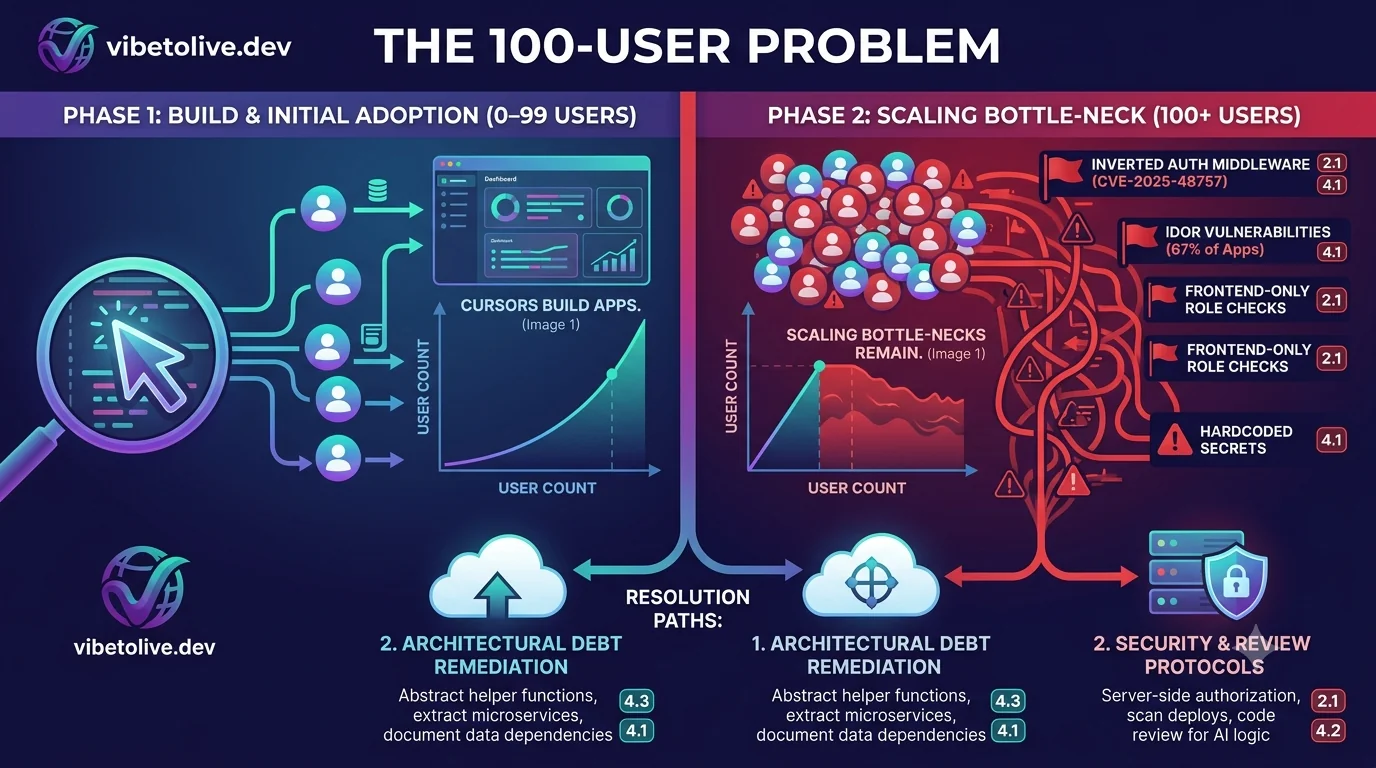
They work well during development, then slow down when real users arrive.
At first, everything feels fine.
The app loads quickly.
The dashboard works.
The database has only a few records.
The API responses are fast.
The AI features feel impressive.
Then usage grows.
Twenty users become fifty.
Fifty users become one hundred.
The database gets larger.
More people log in at the same time.
More API calls run in parallel.
More AI requests happen.
More files are uploaded.
More dashboard data needs to load.
Suddenly, the app feels slow.
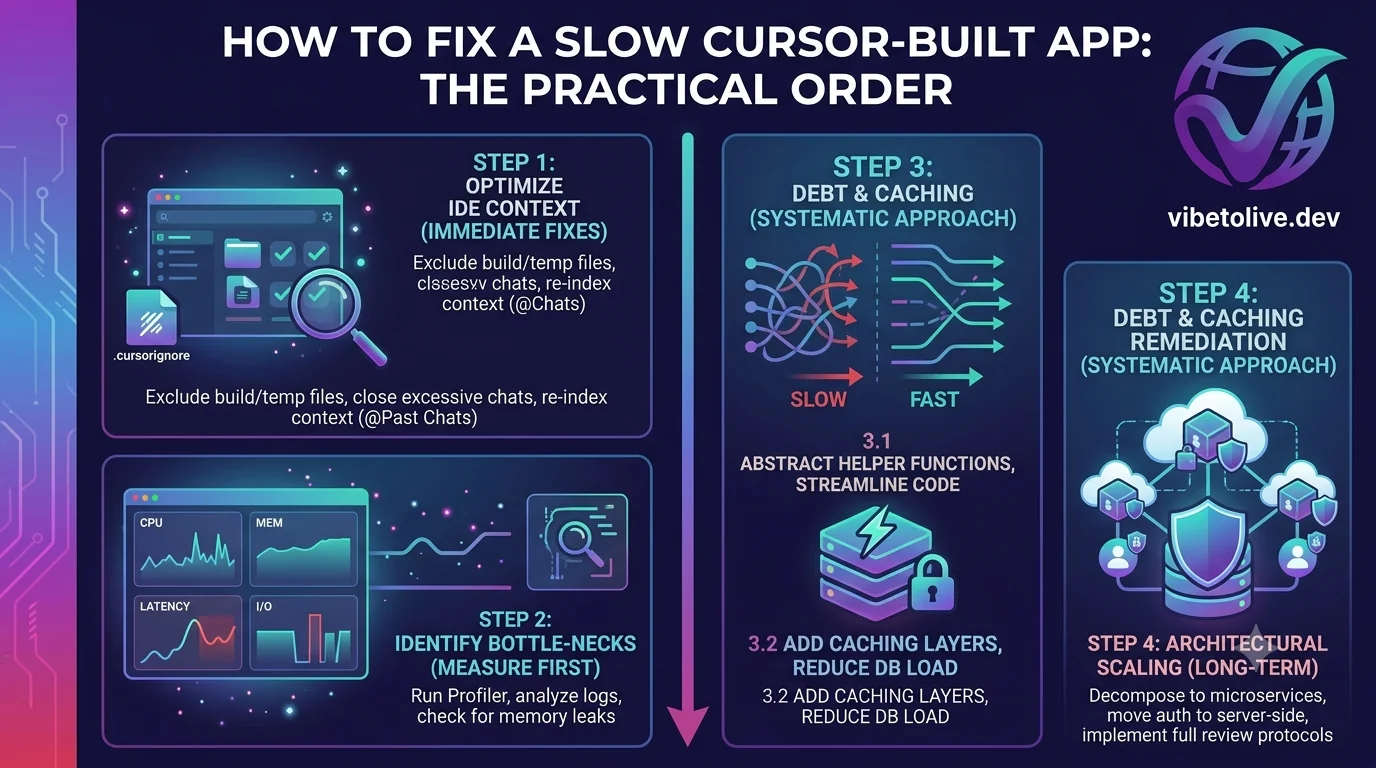
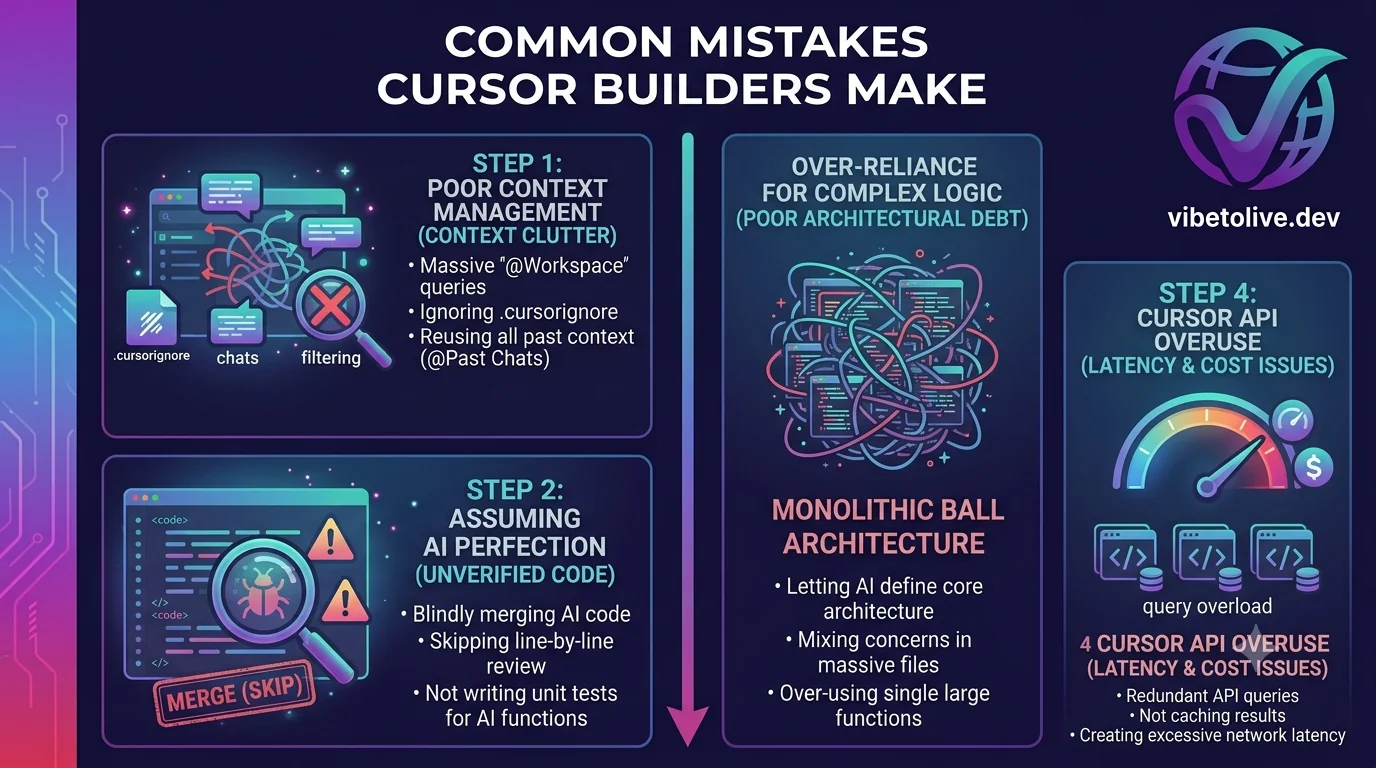
This guide explains why Cursor-built apps often slow down past 100 users, what usually causes the bottleneck, and how to fix the issues before performance becomes a growth problem.